Black Cordless 1100 Water Flosser
$47.99 (MSRP)
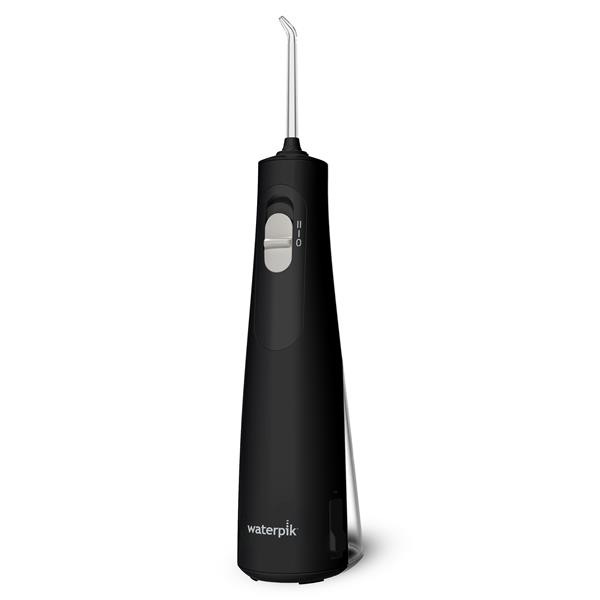
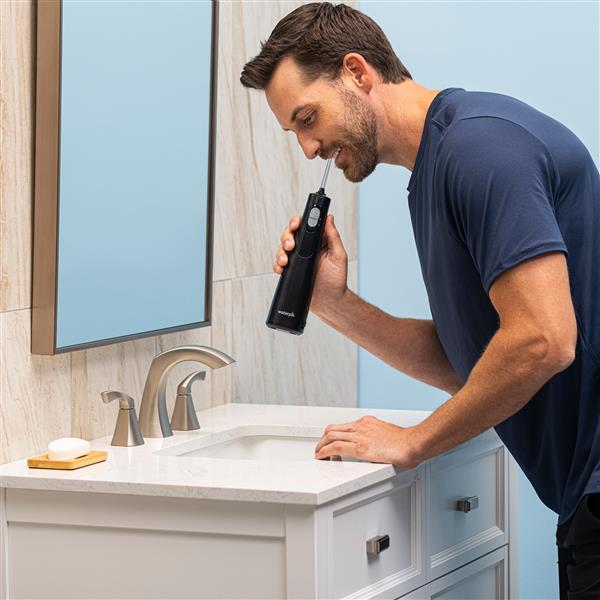
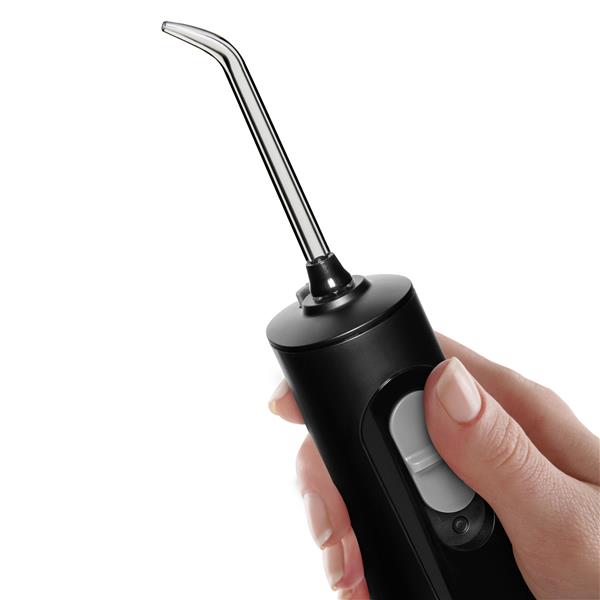
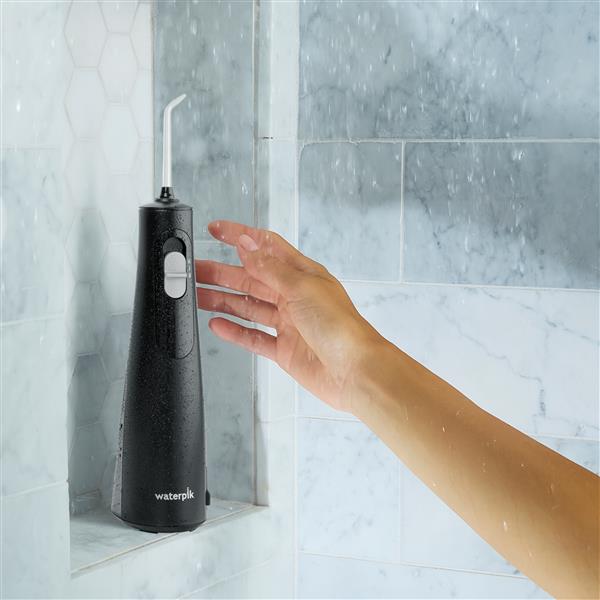
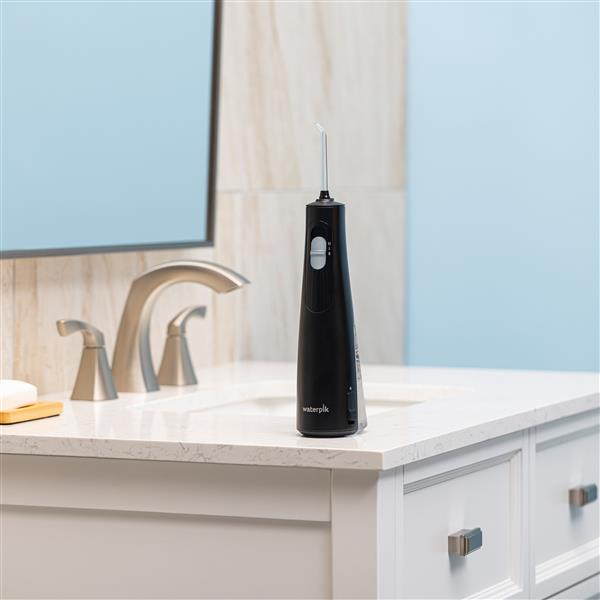
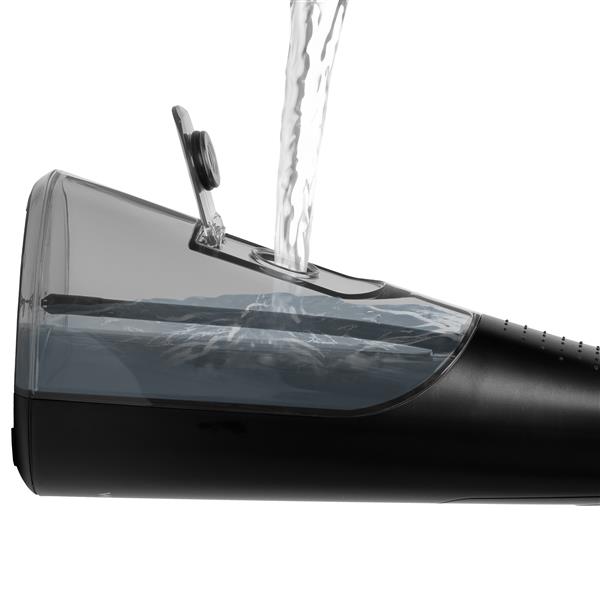
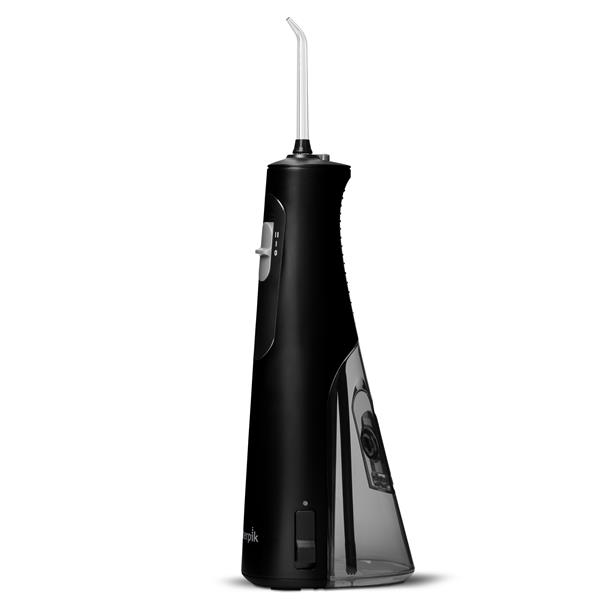
Rechargeable, portable, and a waterproof design makes the Cordless 1100 water flosser perfect for smaller bathrooms, travel, and use in the shower. It offers ultra-quiet operation and an ergonomic non-slip hand grip for ease of use.
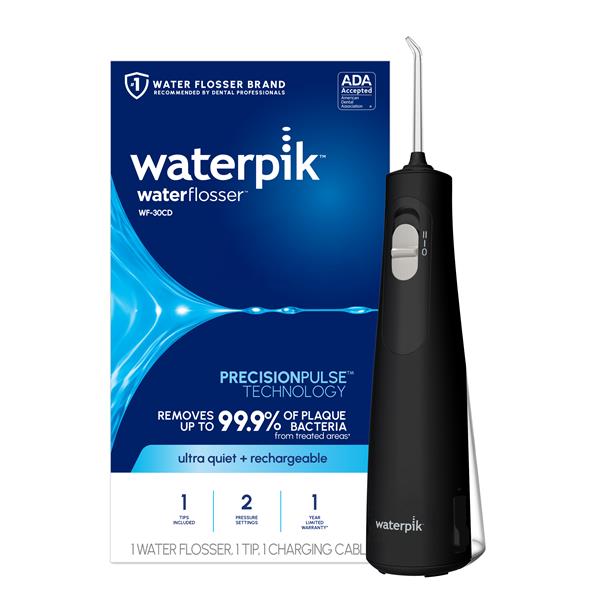
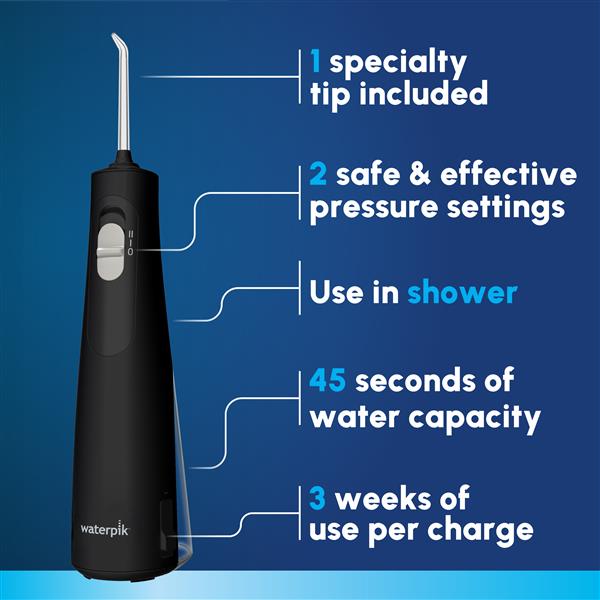
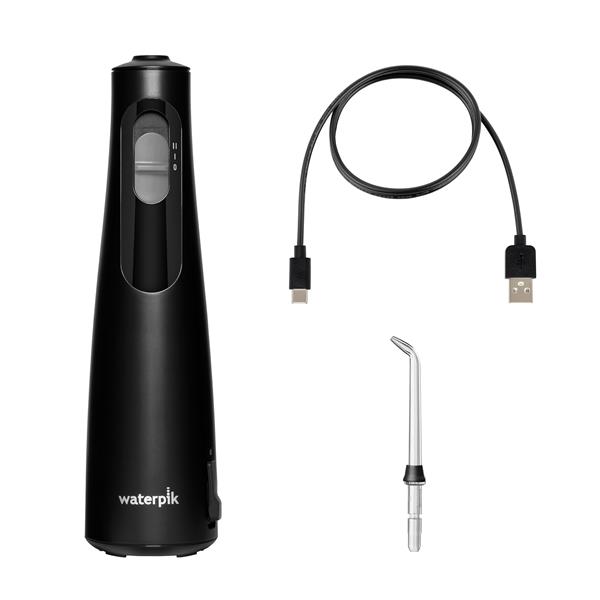
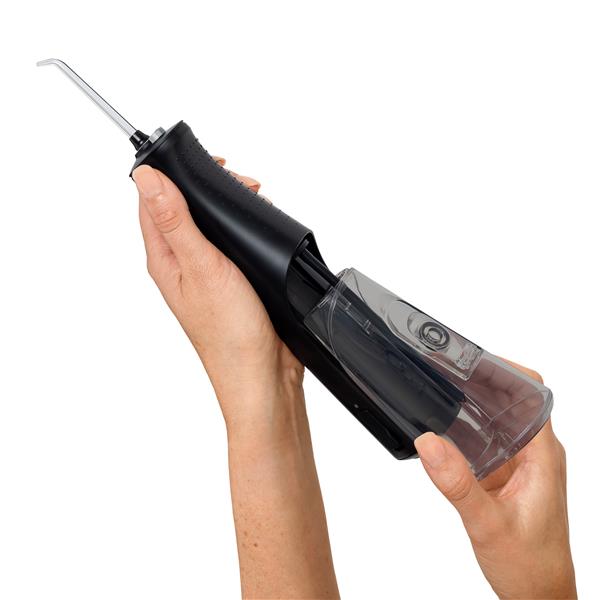
The Cordless 1100 water flosser comes with 1 Precision flossing tip, 2 safe and effective settings (low/high), and a removable water reservoir with up to 45 seconds of flossing time.
Removes up to 99.9% of plaque bacteria from treated areas that cause gingivitis, bleeding gums, cavities, and bad breath; clinically proven up to 2X as effective as string floss for removing bacterial plaque and improving gum health.
WATERPIK is the #1 water flosser brand recommended by dental professionals and the Cordless 1100 water flosser is accepted by the American Dental Association (ADA) for safety and effectiveness.




Product Benefits
Waterpik™ PRECISIONPULSE™ technology is proven to deliver an effective combination of water pressure and pulsations
Effective Plaque Removal: Removes up to 99.9% of plaque bacteria from treated areas that cause gingivitis, bleeding gums, cavities, and bad breath*
Healthier Gums: Clinically proven up to 2X as effective as string floss for removing bacterial plaque and improving gum health
*Laboratory study, data on file
Product Features
- 1 flossing tip
- Advanced pressure control system with 2 settings
- Reservoir capacity up to 45 seconds
- Portable and extra-quiet design
- Perfect for travel and small bathrooms
- Waterproof and may be used in the shower
- Ergonomic non-slip hand grip
- Rechargeable lithium-ion battery (4.07 watt hours)
- Up to 3 weeks of use per charge
- Battery recharge indicator
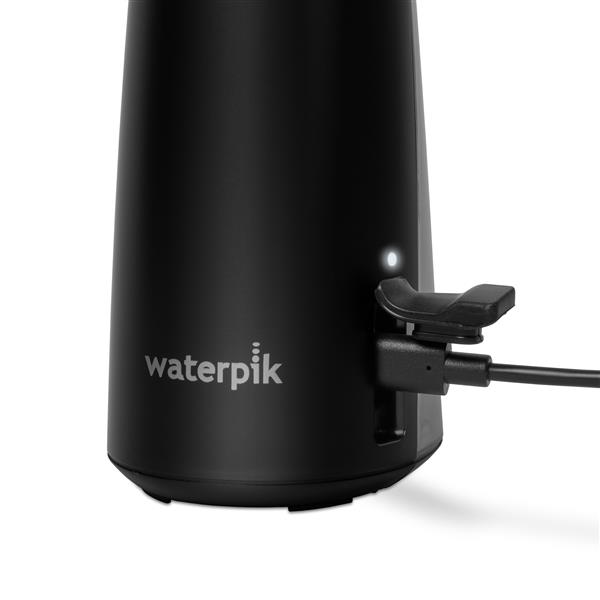
- USB-C cable (rated 5.0V DC, up to 3.0 A) charges from laptop, car, power bank, or wall adapter (wall adapter not included)
- Global voltage compatible
- One-Year Limited Warranty, see Instructions for Use for details
Product Manuals
Water Flosser Features
- Flow Rate per Minute
- 9 Ounces ( 266 ml )
- Pulses per Minute
- 1700
- Number of Pressure Settings
- 2
- Included FlosserTips
- 1
- Rotating Tip
- No
- Water On/Off Switch on Handle
- On/Off Slider
- Chrome Accents
- No
- Travel Bag
- No
- Travel Plug
- No
- Travel Mode
- No
Advanced Functions
- May be Used in the Shower
- Yes
- Quiet Design
- Ultra Quiet
Reservoir
- Capacity
- 6 Ounces ( 177 ml )
- Capacity in Seconds
- 45
Size and Weight
- Height (with Tip/Brush)
- 11.75 Inches ( 29.85 cm )
- Max Width (Base)
- 2.50 Inches ( 6.35 cm )
- Max Depth (Base)
- 3.75 Inches ( 9.53 cm )
- Unit Weight
- 0.70 Lbs ( 0.318 kg )
- Shipping Weight
- 1.00 Lbs ( 0.454 kg )
Warranty
- Limited Warranty
- 12 Months See Instructions for Use for details
Power
- Power Source
- Rechargeable Battery
- Voltage
- Global Voltage Compatible
Battery
- Rechargeable
- Yes - USB Charging System
- Replaceable Battery
- No
- Battery Type
- Lithium Ion
- LED Charging Indicator
- Yes
- Run Time (Weeks)
- up to 3 Weeks
Included With Unit
Available For Unit
FAQs
- Are Waterpik water flossers FSA or HSA eligible?
- Expenses for preventing and treating dental diseases may be allowable for a Flex Spending Account (FSA), Health Savings Account (HSA), or Health Reimbursement Arrangement (HRA). This typically requires a Letter of Medical Necessity. Individual plans can vary, so it's best to verify eligibility with your plan administrator. Learn more
- Can I use my water flosser when traveling abroad?
Plug-in corded models: Products listed as Global Voltage (100 - 240VAC, 60/50Hz) are universal voltage and dual voltage compatible. You need only a standard plug adapter to fit the local wall outlet if you plan to use the unit abroad.
USB rechargeable models: USB rechargeable units are Global Voltage compatible. You need your USB wall charger and plug adapter to fit the local wall outlet, or you can charge from a standard USB port as you would other USB rechargeable devices. Many travel plug adapters also include USB ports.
- How do I clean my water flosser?
Clean your water flosser monthly for optimal performance:
- Outside, Tip, & Handle: Wipe the exterior with a soft cloth and non-abrasive cleanser. Remove the tip and soak it (and handle for countertop models) in a vinegar-water mix (1:2) for 5 minutes.
- Water Reservoir: Detach the reservoir. If it has a black valve, remove and clean it under warm water for 30-45 seconds. Place the reservoir in the dishwasher's top rack or hand-wash with warm soapy water. Air dry or skip heated drying. Reattach the valve (dome side up) if removed.
- Inside: Run a vinegar-water mix (1:2) through the flosser, followed by clean warm water.
- Replace tips every 3-6 months.
For additional details and an instructional video, see How to Clean a WATERPIK Water Flosser.
- The flossing tip has broken off and is still in the handle, how do I remove it?
Method 1: Obtain a pointed, threaded metal screw. Insert the screw into the broken tip until wedged. Press tip eject button and remove the screw; the tip should come out with it.
Method 2: With water in the unit, point the tip/handle into sink. Press the tip eject button. Turn unit on with high pressure; the broken tip should dislodge.
- Why is the water flosser pressure becoming weaker?
This issue is most commonly caused by: clogged tip, use of additives and lack of cleaning, or clogged reservoir vents (cordless handheld units).
Try the following:
- Change the flossing tip
- Clean the existing tip by soaking in solution of 50/50 vinegar and water and clear the tip with a sewing needle
- If additives are used in your unit OR the unit has never been cleaned, do a deep clean with a 50/50 solution of warm water and vinegar and run through unit
To clear the vents (cordless handheld units):
- Detach the reservoir from the power handle
- Locate the small vent holes. For most cordless handheld units, they are located on the top of the detached reservoir. For the Cordless Advanced model, they are located on the unit, near the reservoir water straw connection.
- Carefully insert a needle into each hole to remove any blockage; use gentle pressure to avoid damage
- How do I charge my WATERPIK water flosser?
To charge your water flosser, use a USB wall charger with a 5.0 VDC, 3.0 A output. Make sure the unit is turned off. Connect the charging cable to the charger, plug it into a wall outlet, and attach the other end to the flosser. Charge for 4 hours before first use. A full charge lasts up to 3 weeks. Ensure the charge port cover is flush with the handle after charging.
Charge light indicators:
- Flashing White - Unit is approaching low battery level
- Solid Red - Battery is depleted; unit needs to be charged
- Pulsing White (while charging) - Battery is currently charging
- Solid White (while charging) - Battery is fully charged; stays lit until USB cable is unplugged
- Why is my WATERPIK water flosser not turning on?
If your unit won't turn on, it may be due to battery depletion, water intrusion, or charging issues.
Check the following:
- Charging regimen: Ensure you are charging correctly (see charging FAQ)
- Additives and cleaning: Verify the unit is clean (see cleaning FAQ) and additives are compatible.
- Weather cap: Ensure the charging port's weather cap is intact to prevent water intrusion
- Charging brick: Check for compatibility and damage. An incompatible or damaged brick may prevent charging
Examine the battery indicator light/LED:
- If the light is off, plug the unit in. If it turns on, charge for 4 hours
- If the light remains off when plugged in, contact customer service
- If the LED blinks red, the unit is in lockout due to low charge and needs a 4-hour charge